Apps vs. Skills vs. MCP
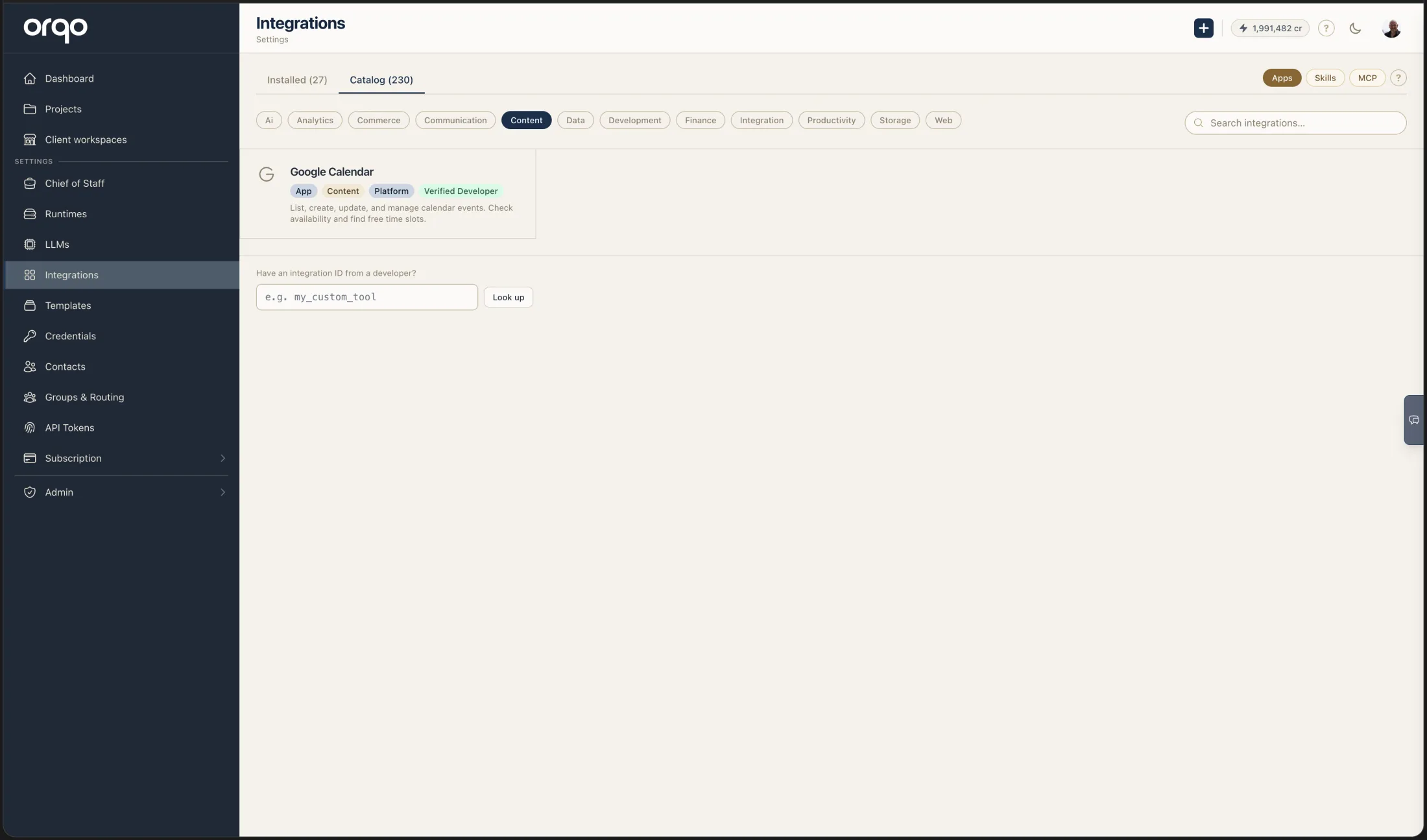
The integrations catalog inside ORQO has three tabs — Apps, Skills, and MCP — because there are three meaningfully different shapes of integration. They aren't competing options for the same job; they answer different questions.
The three at a glance
| What it is | What it solves | Direction | |
|---|---|---|---|
| MCP server | A tool server speaking the Model Context Protocol — exposes tools an agent can call. | Give agents a set of tools (search the web, read a database, query an API). | Outbound only — the agent calls the server. |
| Skill | A reusable bundle of tools + credentials + knowledge + optional runtime, assigned to agents. May wrap an MCP server, or be built from custom Python tools, or both. | Bundle a coherent capability under a name ("Research the Web", "Manage GitHub Issues") that you can assign to any agent. | Outbound only — same as MCP, since it's a wrapper around tool calls. |
| App | A full platform integration: handles OAuth, receives webhooks, routes inbound channel messages (Slack DMs, emails, WhatsApp), and delivers outbound messages back. May bundle a paired Skill so agents can also call platform APIs. | The full bidirectional handshake with a real-world platform — receiving events from it AND acting on it. | Inbound + outbound. |
The decisive question: do you need to receive events from the platform?
This is the single most useful filter when deciding what shape an integration should take.
- No — you only need agents to call a service (Brave Search, a database, an LLM). → MCP server, possibly wrapped in a Skill if you want to bundle credentials and knowledge alongside it.
- Yes — the platform should be able to send events into ORQO (a Slack DM should reach Chief of Staff; a GitHub PR open should fire a workflow; an email should start a conversation). → App.
A common misconception is that MCP alone is enough for "real" integrations. It isn't. MCP defines tool calling — the agent reaching out. Without an App layer, the platform has no way to reach in. That's why ORQO ships the App primitive: it adds OAuth, webhook handling, channel routing, message delivery, and signature verification — none of which MCP defines.
"Couldn't I just poll on a schedule?"
It's the most common workaround when an integration is outbound-only, and it's tempting because scheduled triggers are easy to set up. But polling is a poor substitute for inbound, for two reasons:
-
Most of the requests are wasted. If a real event happens once a day and you poll every five minutes, that's 287 of 288 requests returning "nothing changed." You pay for the API quota, the workflow runs, the LLM tokens to scan the empty response — every single check, all day long. With an App, the platform sends one request when something actually happens.
-
Latency is bounded by your polling interval. A poll-every-5-minutes integration can be up to 5 minutes late on every event. Worst case: the event fires one second after a poll, and the system doesn't notice for nearly the full interval. For anything time-sensitive — a customer asking a question, a payment notification, a CI failure — that's an unacceptable lag. With an App, the inbound webhook fires within milliseconds of the event.
None of those costs exist when the platform pushes a payload to ORQO and ORQO handles it immediately. That's what an App is for. Polling is fine for genuinely periodic checks (e.g. "every Monday morning, summarize last week's data"); it's the wrong tool for reacting to events.
How they fit together
The three primitives compose. A typical "full" platform integration like Slack uses all three:
                 ┌─────────────────────────┐
                 │           App           │  ← world-facing
                 │  (Slack OAuth, webhook  │     (handles inbound DMs,
                 │   verification, message │      message delivery,
                 │   routing, delivery)    │      OAuth refresh)
                 └────────────┬────────────┘
                              │ wraps + bundles
                              ▼
                 ┌─────────────────────────┐
                 │          Skill          │  ← engine-facing
                 │ (tools, credentials,    │     (what an agent gets
                 │  knowledge, runtime)    │      assigned)
                 └────────────┬────────────┘
                              │ wraps
                              ▼
                 ┌─────────────────────────┐
                 │         MCP server      │  ← tool transport
                 │   (send_slack_message,  │     (exposes tools over
                 │    list_channels, ...)  │      HTTP/SSE)
                 └─────────────────────────┘
When you install Slack from the catalog, ORQO sets up all three layers in one click — App (with its OAuth and webhook config), Skill (Slack with send_slack_message, list_channels, etc.), and the underlying MCP server pointing at the Slack adapter's /mcp endpoint.
A pure MCP-only integration (e.g. Brave Search) skips the App layer because there's nothing for Brave to push into ORQO — agents just call web_search. Conversely, a pure App with no agent-callable tools (a notification-only WhatsApp integration where ORQO sends but never receives, or vice versa) skips the Skill.
Picking the right shape
| You want… | Pick |
|---|---|
| Agents to call a public API (e.g. Brave Search) | MCP (browse the catalog, install, attach your API key) |
| Agents to have a named specialty with a curated set of tools + credentials + instructions | Skill (often wrapping MCP or a set of custom Python tools) |
| Slack DMs / Telegram messages / emails to reach Chief of Staff or fire workflows | App (with paired Skill if agents should also send messages) |
| A platform's webhooks (e.g. GitHub) to trigger workflows | App with an event trigger |
| A custom internal API only your org uses | Build a custom Skill with the Tool Builder, or write your own App if you also need inbound |
Quick reference
- MCP servers in ORQO's catalog: ~150+ remote MCP servers from Smithery plus a handful ORQO hosts itself (Brave Search, Sequential Thinking, etc.). All install with one click; per-user credentials are passed at request time.
- Apps: a curated set of platform integrations (Slack, Gmail, Google Drive, Telegram, Webhook, …) and any third-party apps published to the marketplace.
- Skills: anything in the platform-curated skill catalog (Develop in Sandbox, Research the Web, Long-Term Memory, …) plus custom skills your developers build.
For the deeper detail on each, see:
- Apps & Channels — the Apps primitive in full, including adapter contract and channel handling
- Skills reference — what a Skill bundles and how it gets assigned to agents
- How ORQO Connects — the full inbound/outbound map across every integration mechanism